
A live streaming studio on your phone and Mac
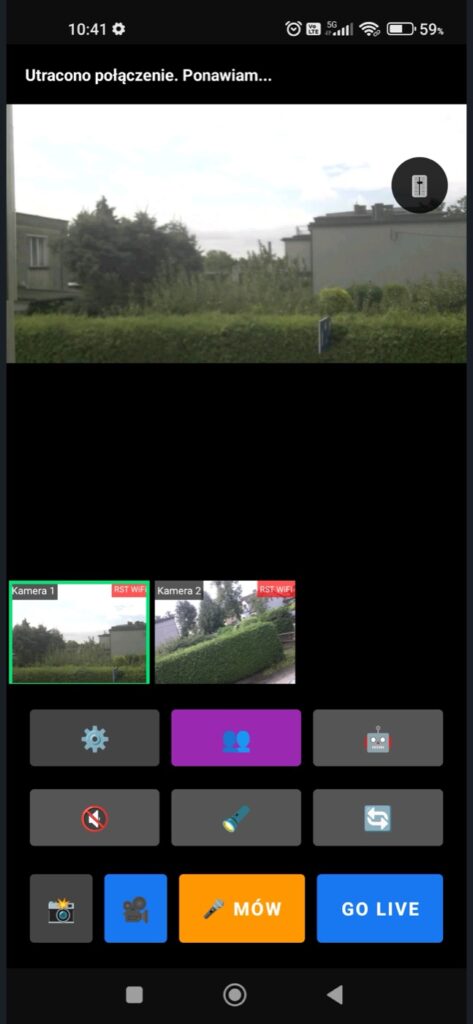
I created ClickAndLIVE! to go live from several cameras at once — no broadcast van, no cables. Connect wireless LiveCUBE! cameras, switch shots, talk to your camera operators and send the picture to all your channels at the same time.
Android, iPhone, iPad and macOS 14 or later.
What ClickAndLIVE! can do
Many cameras at once
Connect several LiveCUBE! cameras and switch shots with one tap, with a live preview of all of them.
Multistream
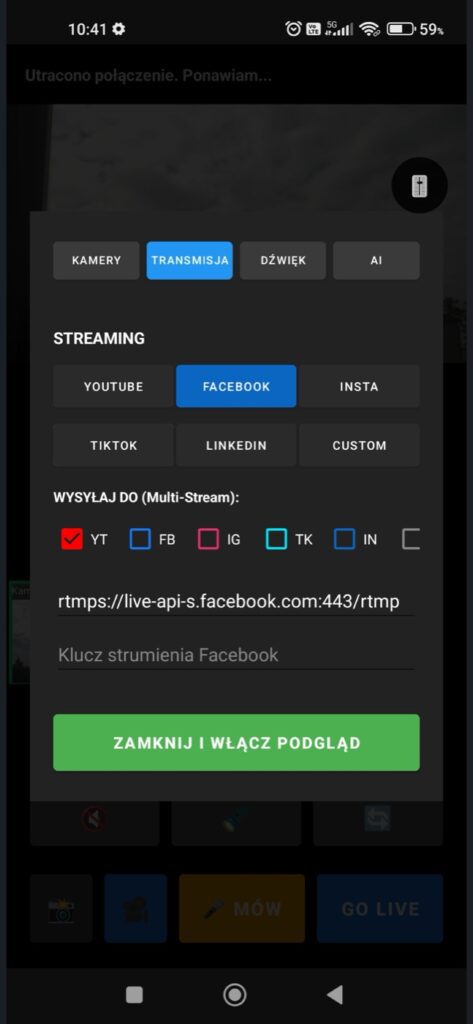
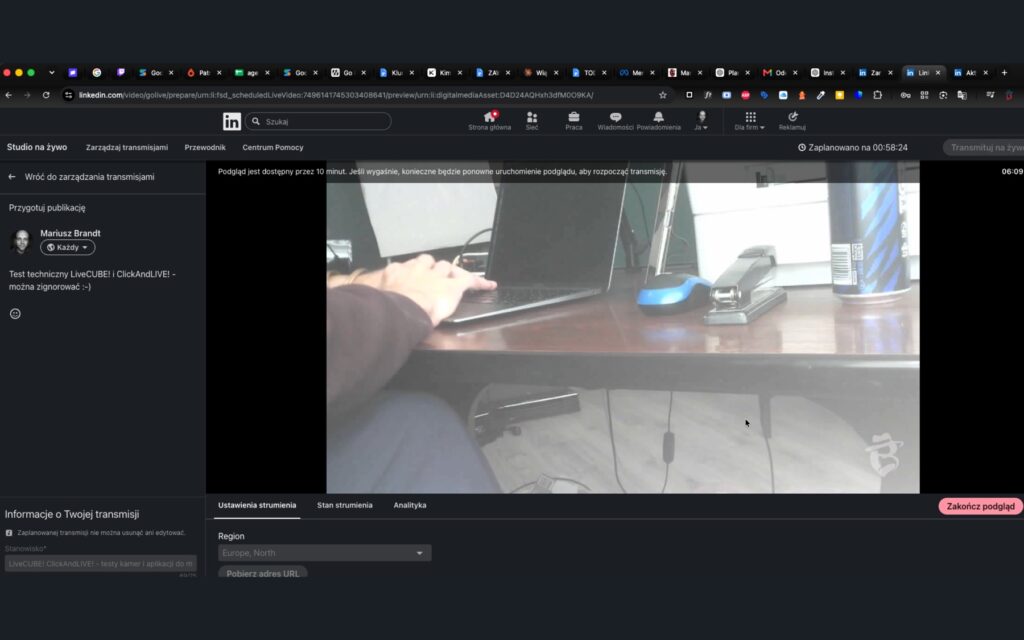
Go live on YouTube, Facebook, Instagram, TikTok, LinkedIn or your own server at the same time — RTMP, RTMPS and SRT.
Talkback and walkie-talkie
Talk to the person at the camera through the speaker in the cube — just like in a real control room.
Full control of picture and sound
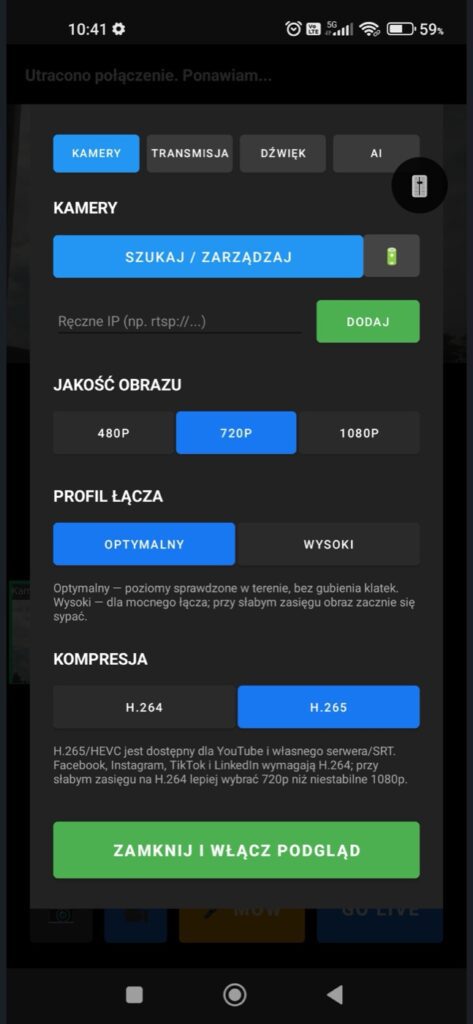
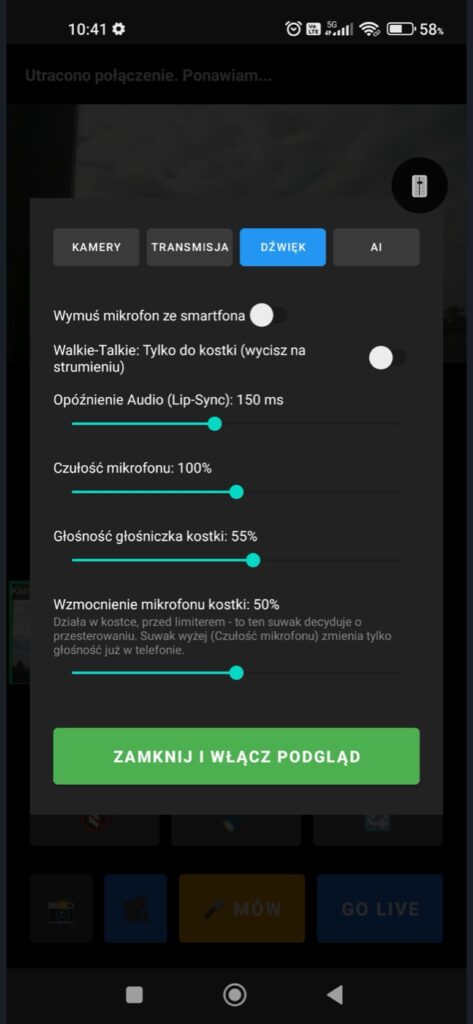
480p, 720p or 1080p, H.264 or H.265 compression, microphone sensitivity, audio delay and sensor tuning.
Recording
Record the stream on your phone or send it to your own server.
AI assistant
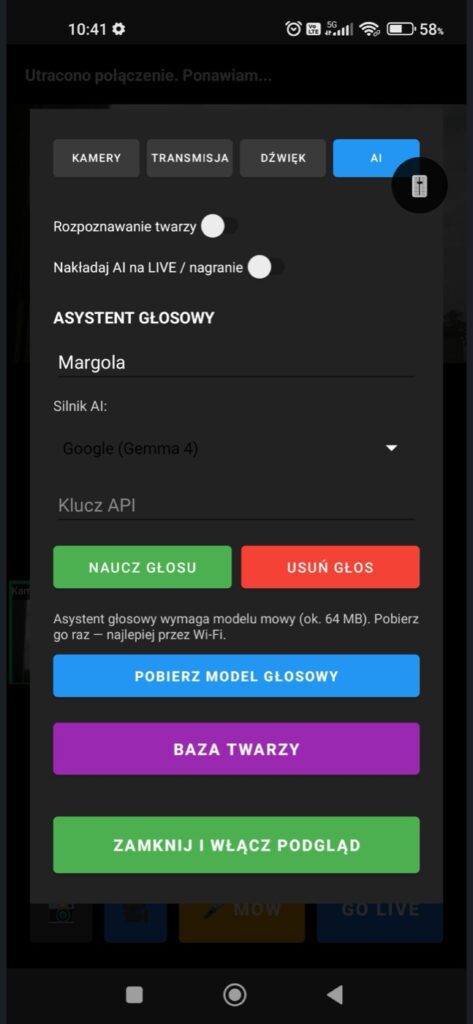
A voice assistant and face recognition help you run the stream when your hands are busy.
See what it looks like
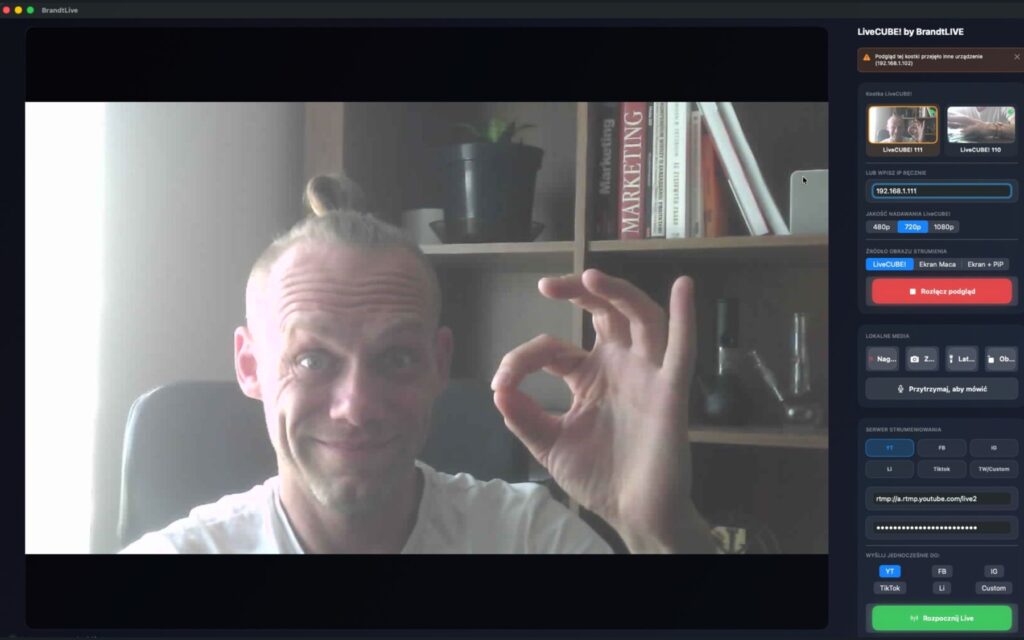
On a Mac, like a real control room
On a big screen you see your cameras, pick the platforms and start the stream with one button. A MacBook with ClickAndLIVE! replaces a video mixer.
Get it for Mac →LiveCUBE! cameras — small, wireless, anywhere
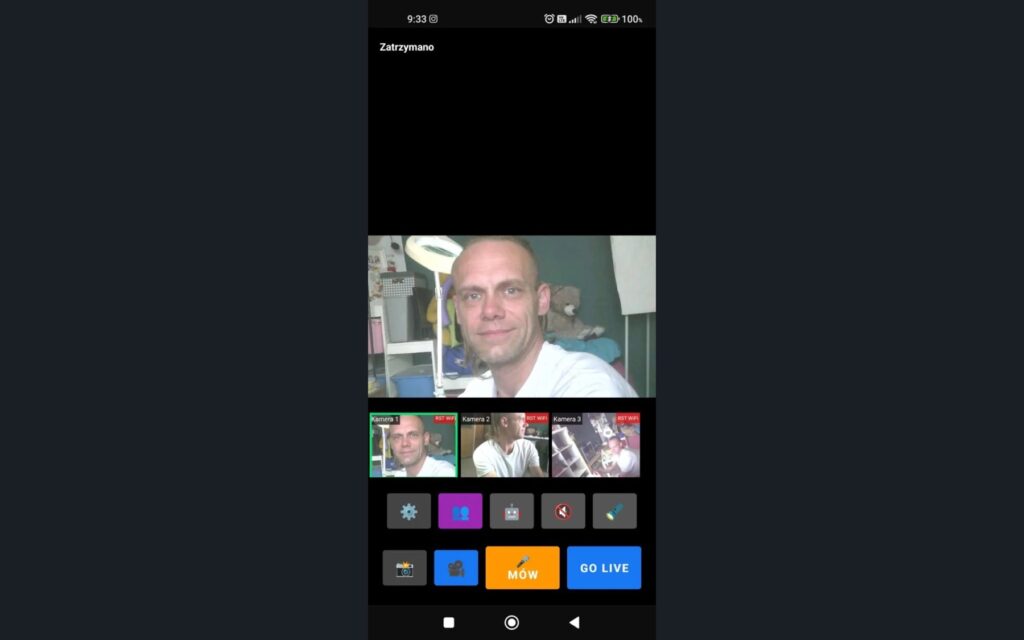
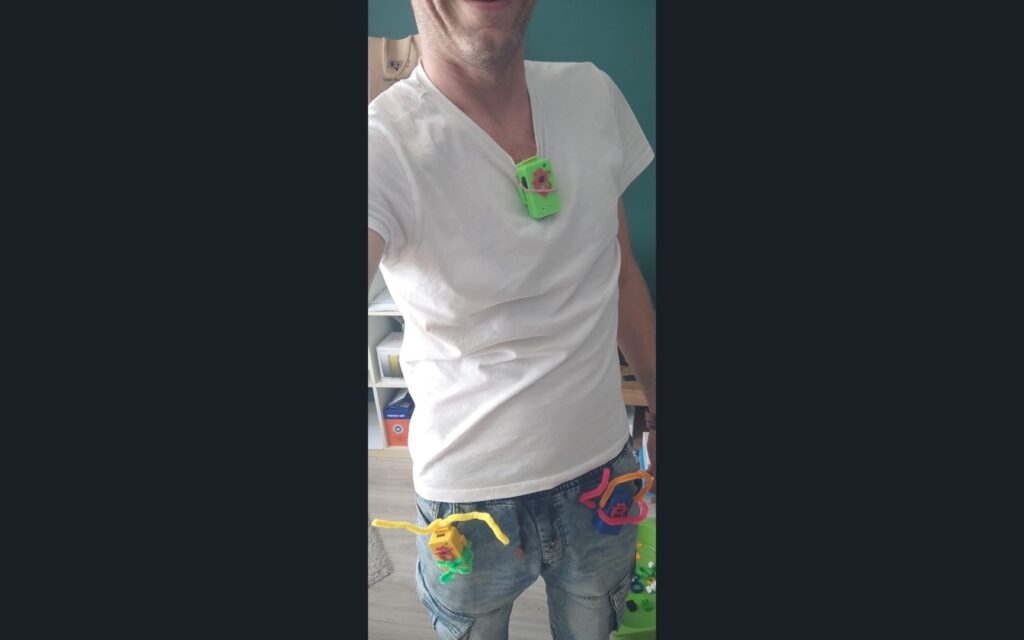
Want your own camera? Build it yourself from my project or order assembly. LiveCUBE! DIY →
No watermark
The app is free to download. In the free version the ClickAndLIVE! watermark is visible on the picture. A one-time PRO purchase in the app removes it for good from streams, recordings and photos — no subscription. You can restore it with “Restore purchase”.
Watch it work live
I stream with ClickAndLIVE! on livecube.fun — visit my profile and watch streams from LiveCUBE! cameras.
My LIVE on livecube.fun